![logo_CIONET_website_symbol.png]](https://www.cionet.com/hs-fs/hubfs/INT_CIONET-International/Marketing%20Collaterals/Logos/logo_CIONET_website_symbol.png?height=40&name=logo_CIONET_website_symbol.png)
1. How to find the list?
to see the list, you`ll need to be logged in.
On CIONET home page, you`ll need to click over your profile picture and click on "MY EVENTS"
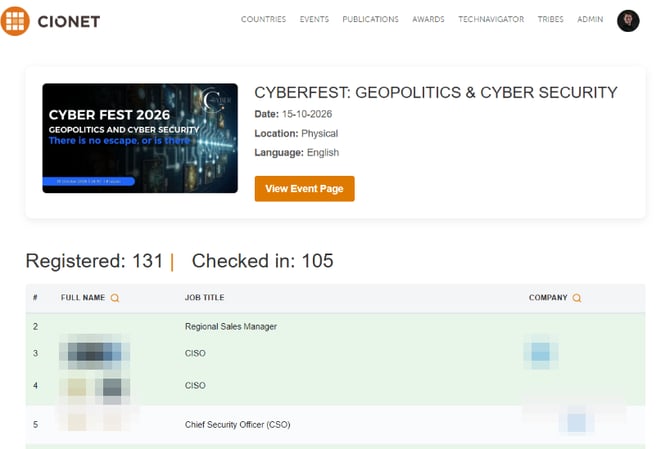
This will redirect you to the list of all events you have registered for. Event card contains a button that redirects you to the event's registration page.
Note: Not every event has a registration list.

2. What is registration list?
Registration list, is a list containing all members registered to an event with short information in pop up window about each one - by clicking or hoovering on name

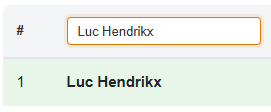
You can easily find if person/company is attending, by using magnifying glass: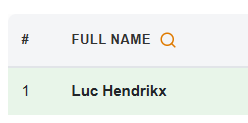
Whenever a person is marked as attended, their card turns green.
3. Introductions
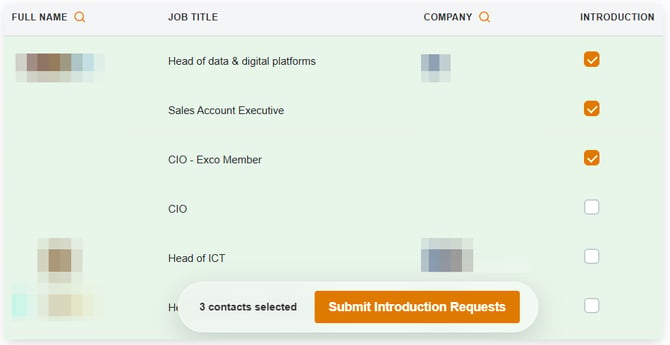
In the registration list, you will find the INTRODUCTION column, where you can request introductions that our team members will make every effort to facilitate during the live event.
To request introductions, select the contacts you would like to be introduced to (up to 10 per event) and click Submit Introduction Requests.