![logo_CIONET_website_symbol.png]](https://www.cionet.com/hs-fs/hubfs/INT_CIONET-International/Marketing%20Collaterals/Logos/logo_CIONET_website_symbol.png?height=40&name=logo_CIONET_website_symbol.png)
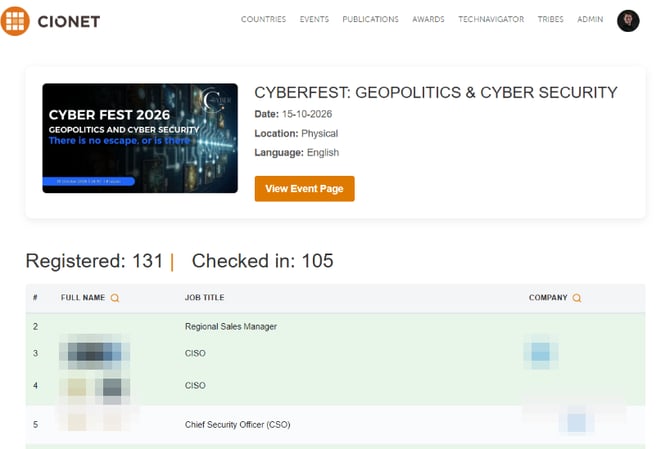
1. How to find the list?
to see the list, you`ll need to be logged in.
On CIONET home page, you`ll need to click over your profile picture and click on "MY EVENTS"
This will redirect you to the list of all events you have registered for. Event card contains a button that redirects you to the event's registration page.
Note: Not every event has a registration list.

2. What is registration list?
Registration list, is a list containing all members registered to an event with short information in pop up window about each one - by clicking or hoovering on name

You can easli find if person/company is attending, by using magnifying glass: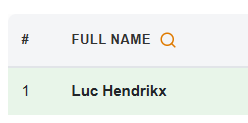
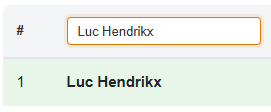
Whenever a person is marked as attended, their card turns green